
Microproduct · €29
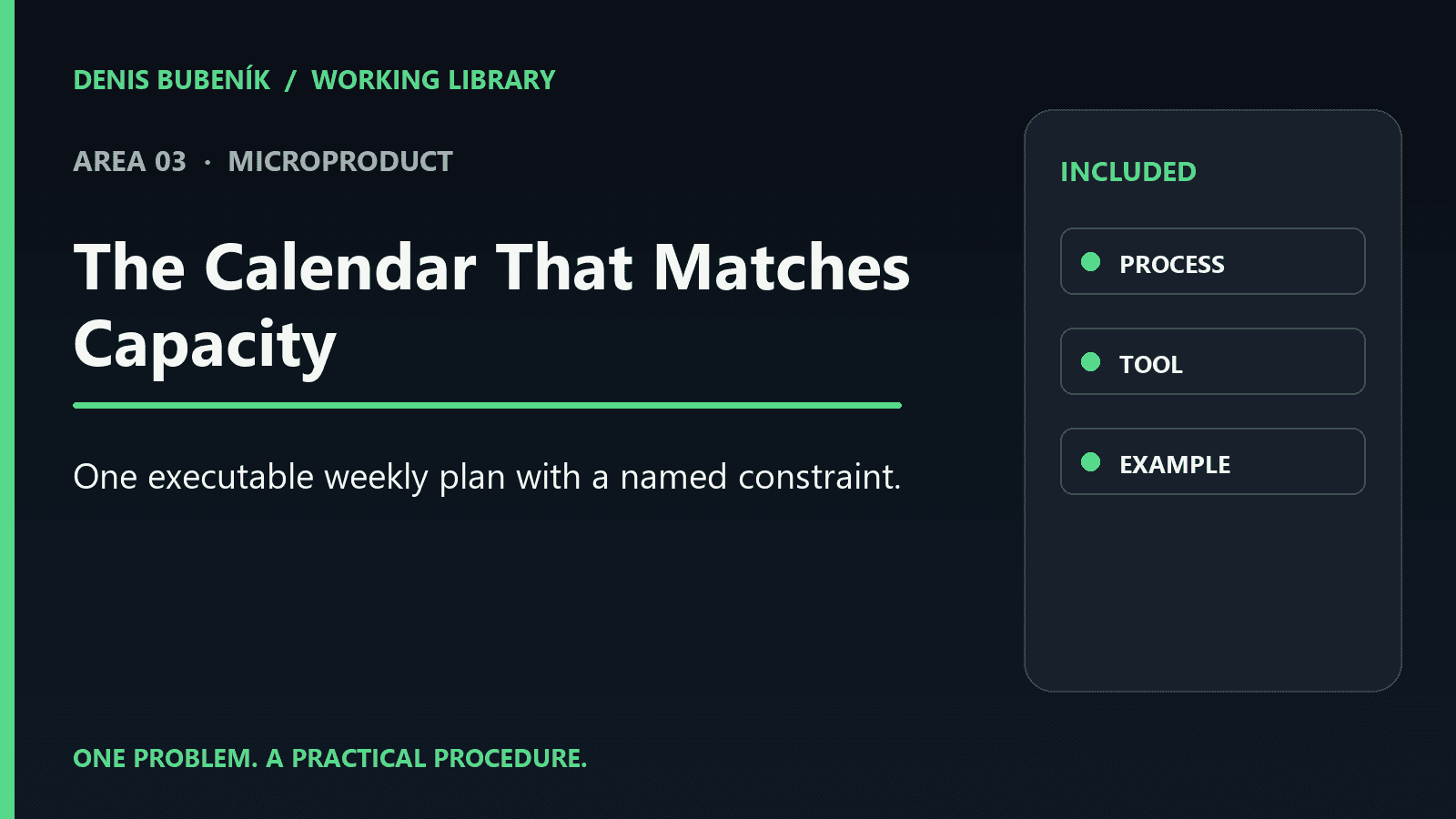
One executable weekly plan with a named constraint.
A focused guide, interactive tool, worked example and checklist. You apply it yourself.
PRACTICAL WORKFLOW
The calendar is full, yet people are waiting on materials, moving between locations, or running into equipment-versus-specialist conflicts. Filled-in slots are not automatically an executable plan.
Plan the week according to available people, resources, and job readiness. Start with one case or choose the working kit for a team procedure. You can use the material alongside your current system.
CHOOSE THE SCOPE
One executable weekly plan with a named constraint.
A focused guide, interactive tool, worked example and checklist. You apply it yourself.
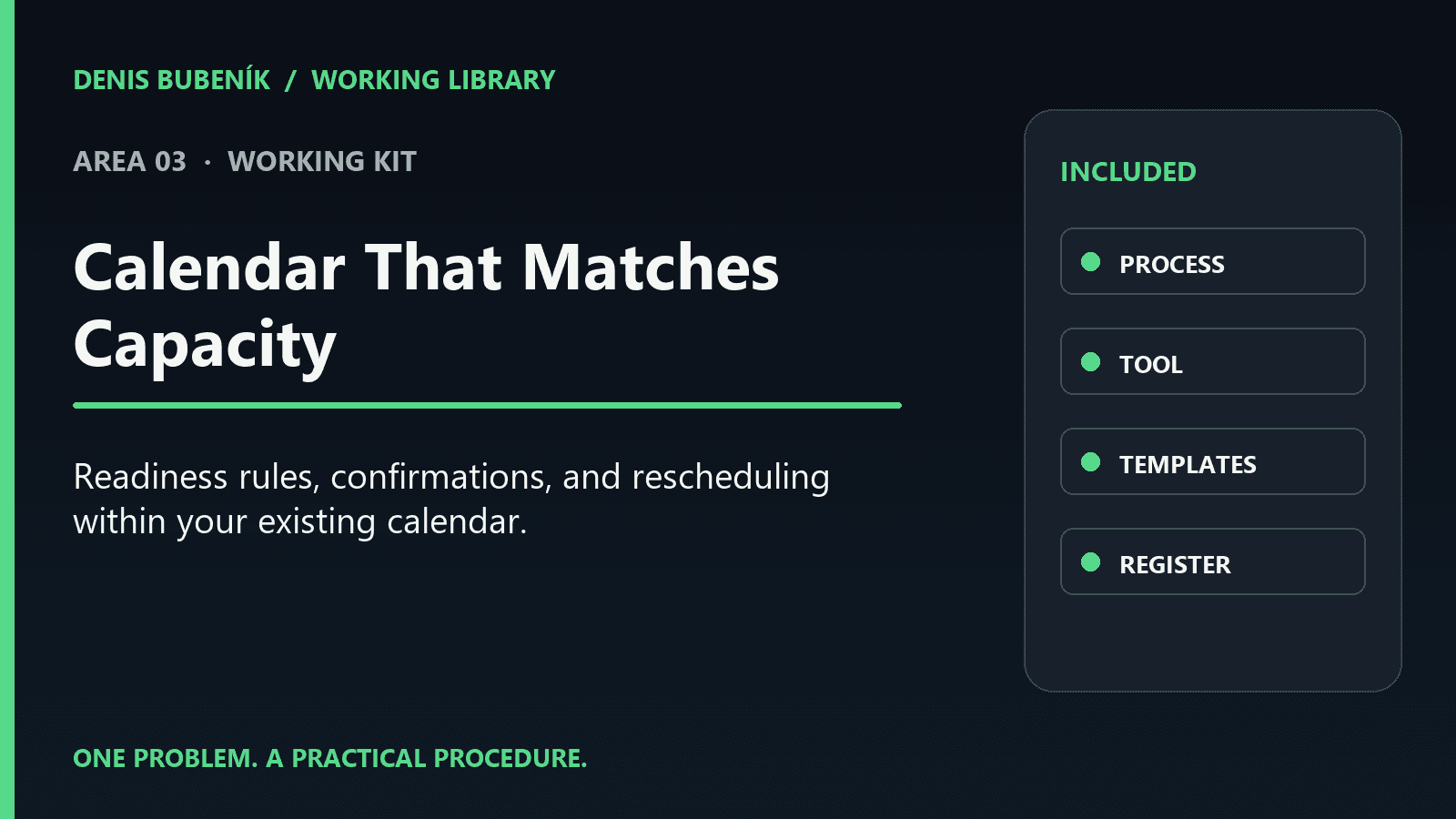
Readiness rules, confirmations, and rescheduling within your existing calendar.
Includes the microproduct plus setup steps, roles, checks and a register for the same topic. Your team implements it.
If several roles, access levels or integrations are involved, we can define a separate diagnostic and written scope.
Discuss one workflow →Sales are not open yet. After purchase, access will depend on the bought topic and tier. English delivery includes a protected web guide and ZIP. Notion templates are not part of the first release. Individual setup and guaranteed business results are not included.
LOOK INSIDE
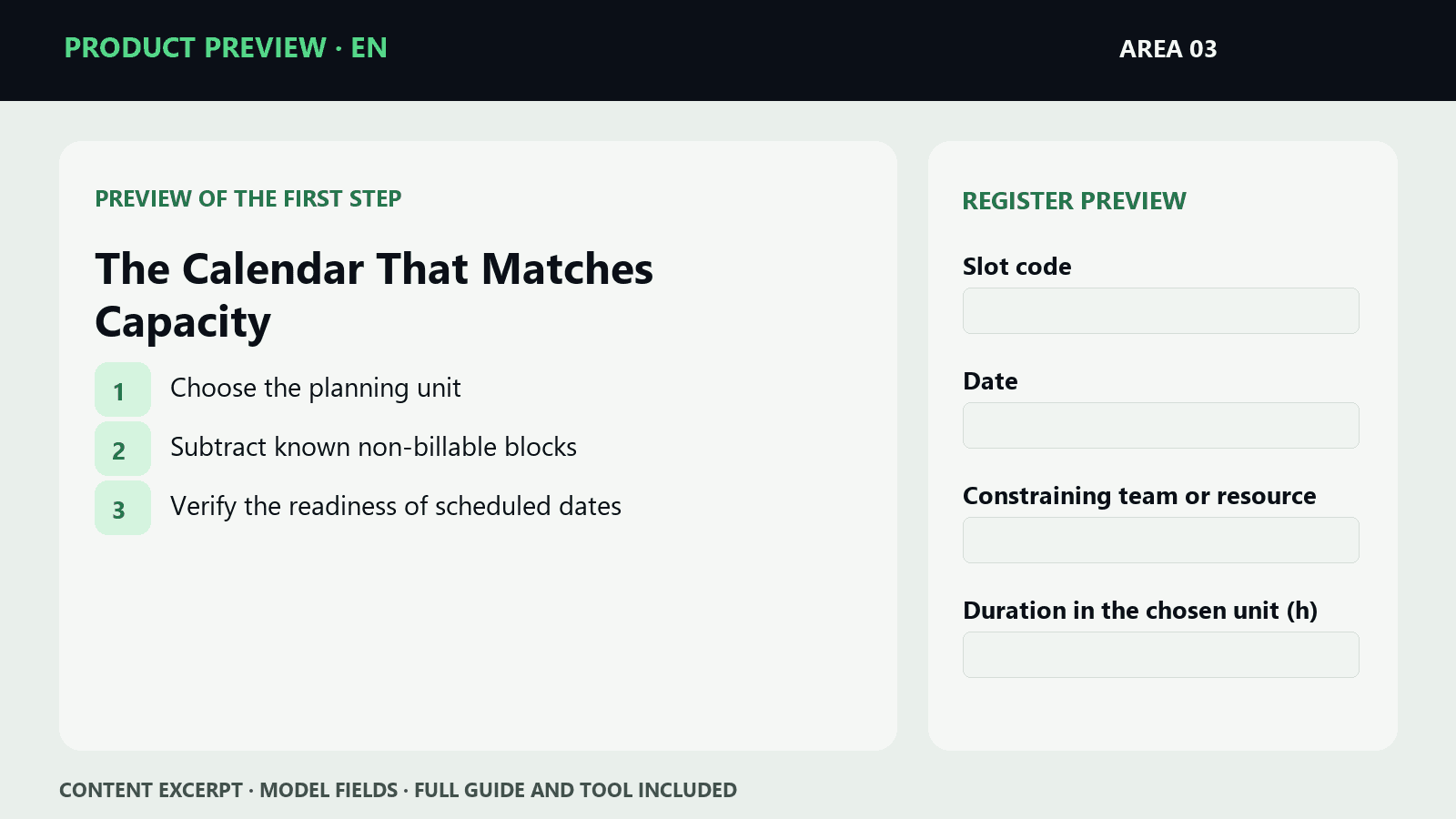
The preview shows real step names and sample fields. The full guide and tool are available after purchase.
The calendar is full, yet people are waiting on materials, moving between locations, or running into equipment-versus-specialist conflicts. Filled-in slots are not automatically an executable plan.
Result to work toward: One executable weekly plan with a named constraint.
Included: A procedure for one specific case, a checklist, a labeled worked example, and a tool for the topic.
First steps: Choose the planning unit → Subtract known non-billable blocks.
No. The procedure starts within your existing calendar and checks hours, people, equipment, and job readiness.
For the owner or the person responsible in a service business dealing with this specific problem: The calendar is full, yet people are waiting on materials, moving between locations, or running into equipment-versus-specialist conflicts.
A procedure for one specific case, a checklist, a labeled worked example, and a tool for the topic. After purchase, both a protected web page and a downloadable ZIP will be accessible. The content is in English.
The microproduct walks you through one case. The working kit adds rollout of the procedure for a team, roles, review, and a register. The kit is a separate, larger scope; buying the microproduct does not automatically deduct from the kit's price.
No. The tool works both on the protected web page and standalone as HTML in the ZIP. The web page stores data locally in that browser; it does not sync across devices.
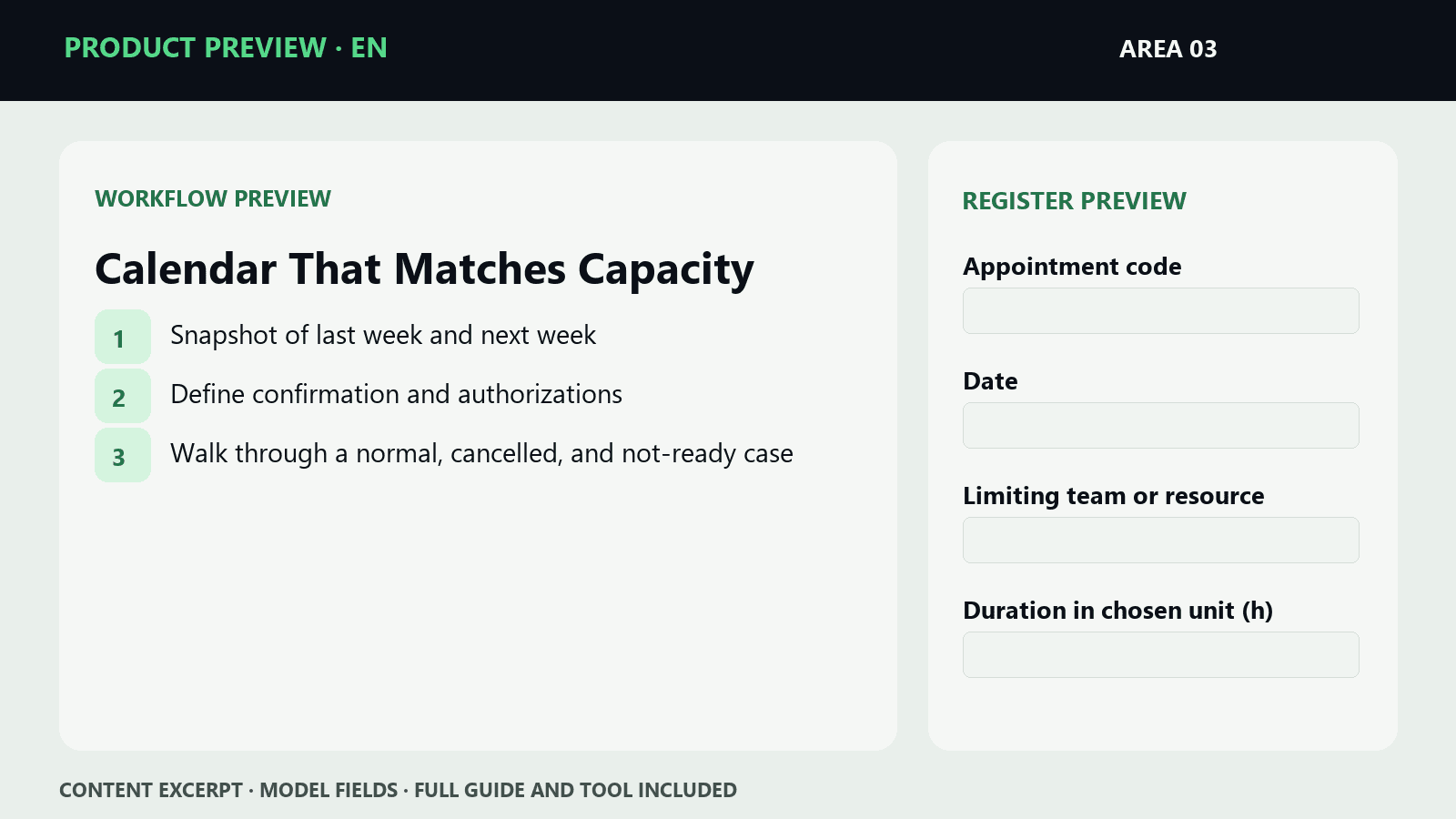
The preview shows real step names and sample fields. The full guide and tool are available after purchase.
The calendar is full, but people are waiting for materials, moving between locations, or running into conflicts between equipment and specialists. Filled-in slots aren't automatically an executable plan.
Result to work toward: Readiness rules, confirmations, and rescheduling within your existing calendar.
Included: Implementation workflow, roles and checks, copyable templates, worked examples, a register, and a tool for the topic.
First steps: Snapshot of last week and next week → Define confirmation and authorizations.
No. The process starts within your existing calendar and verifies hours, people, equipment, and job readiness.
For the owner or responsible person at a service business dealing with this specific problem: The calendar is full, but people are waiting for materials, moving between locations, or running into conflicts between equipment and specialists.
Implementation workflow, roles and checks, copyable templates, worked examples, a register, and a tool for the topic. After purchase, both a protected website and a downloadable ZIP will be accessible. Content is in English.
The microproduct walks you through one case. The working kit adds process implementation for the team, roles, checks, and a register. This kit also includes the micro process.
No. The tool works on the protected website and also standalone as HTML in the ZIP. The website stores data locally in that browser; it does not sync across devices.