
ONE SMALL TASK · $9 USD ONCE
Take one routine task out of your head.
Record recurring work, time and energy. Give one low-risk task a clear owner and decision rule, test it, compare your actual involvement and plan how to use any time released.
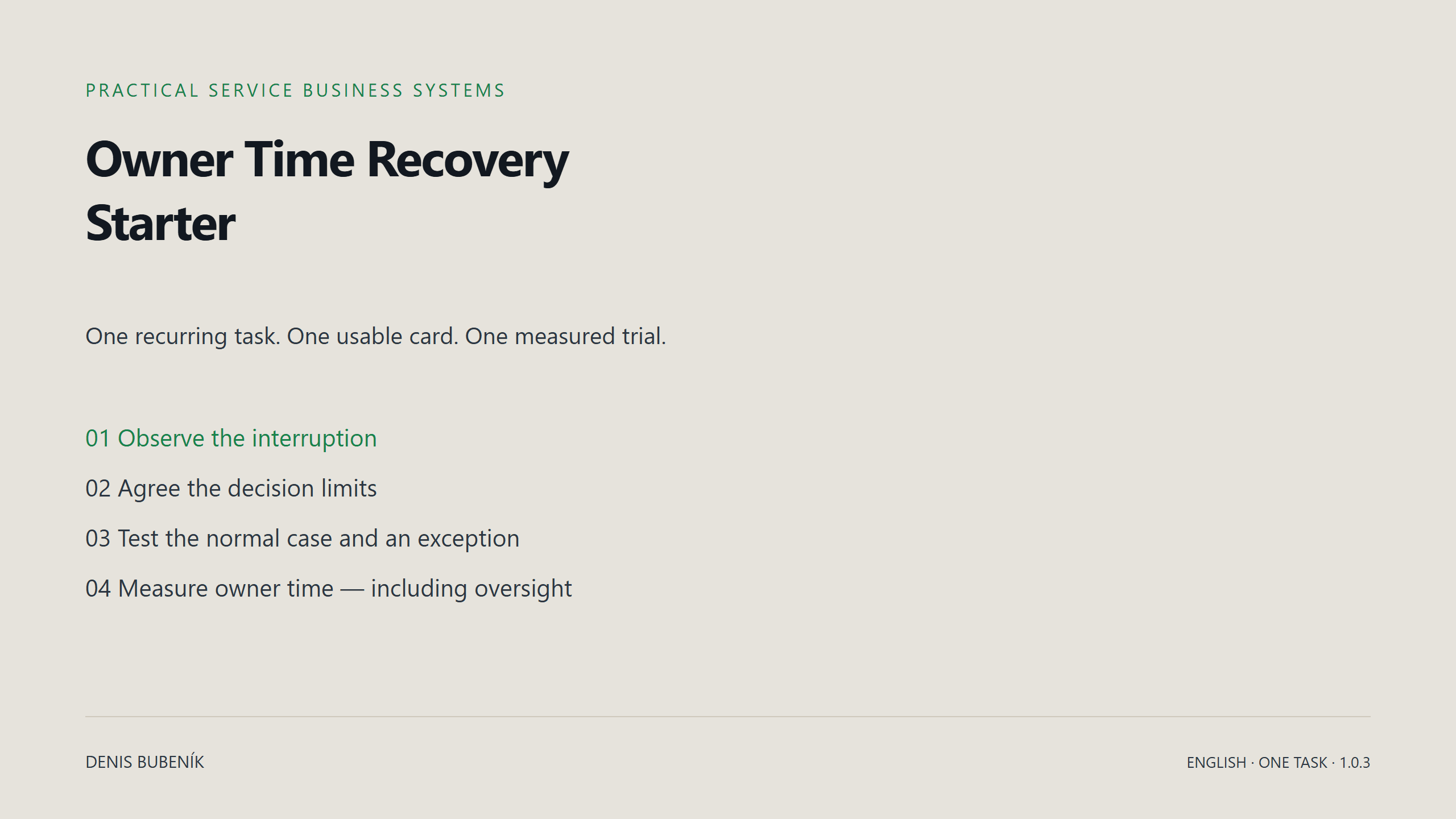
A useful decision, even when the trial adds work.
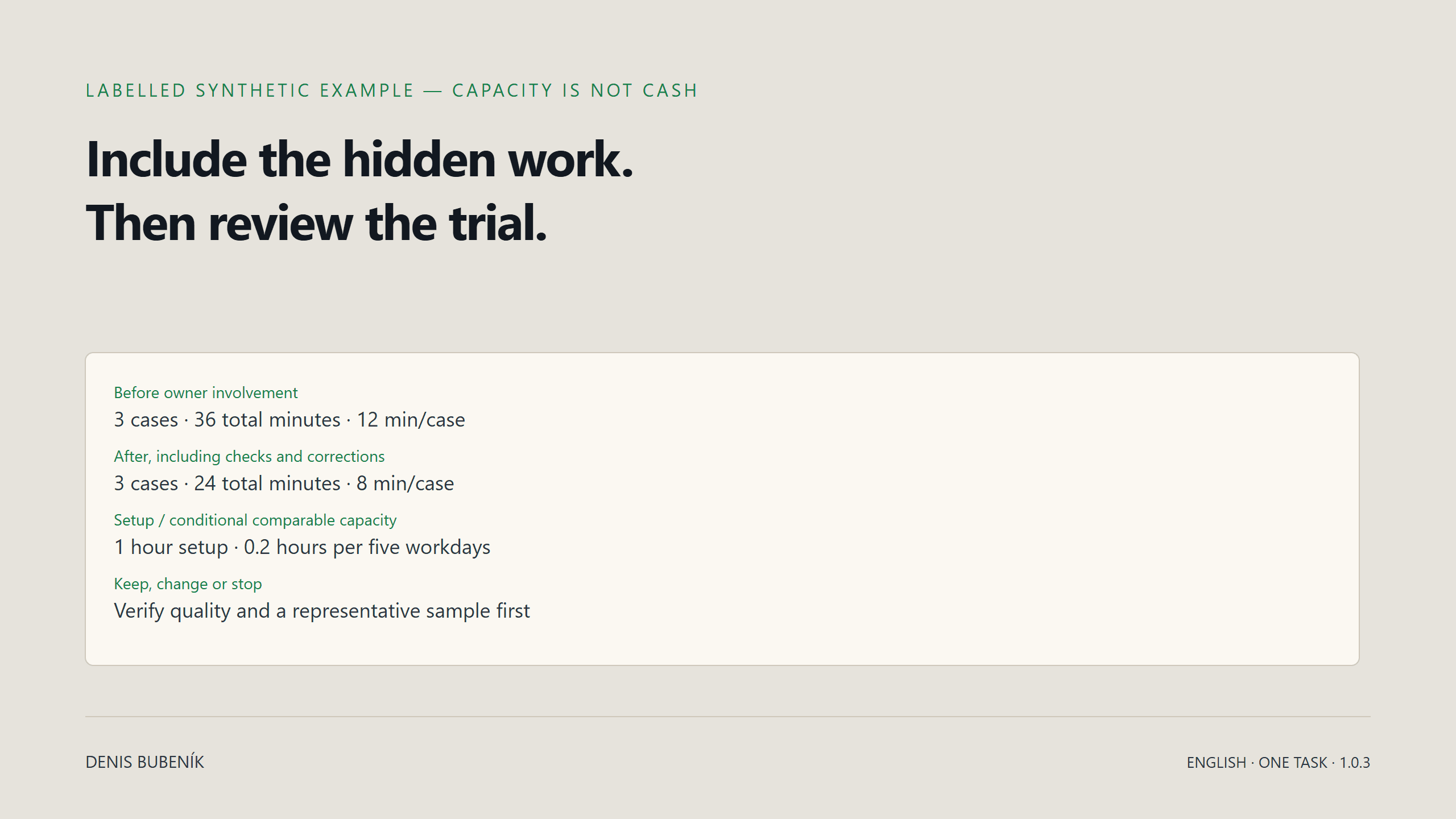
You finish with a task card, a routine and exception check, and a measured keep/change/stop decision. Include oversight, correction and setup time. A positive difference is time capacity; it is not proof of cash saved or revenue earned.
HOW YOU USE IT
One working space.
A clear next step.
You get guided materials for practical work. Tools and templates stay with their task, so you can return to the same context.
Start with one real task
Open the starter workspace and record what actually interrupts you. Choose one repeated task that is safe to test.
Work through one step
Keep the guide, worksheet and task card beside the current task. Use your own observations; model examples are labelled.
Check what changed
Include setup, checking and correction time in the review. Save a backup of your worksheet before changing devices.
Use the online workspace on phone or desktop. Extract the downloadable ZIP on a computer for an offline copy. Reading progress is saved in this browser, separately from your tool data. Sign-in does not synchronise working data between devices.
YOUR FIRST WORKING SEQUENCE
Observe. Choose. Define. Test. Measure.
- Log actual owner interruptions and the work behind them.
- Select one repeated, low-risk task. An owner-only simplification is also valid.
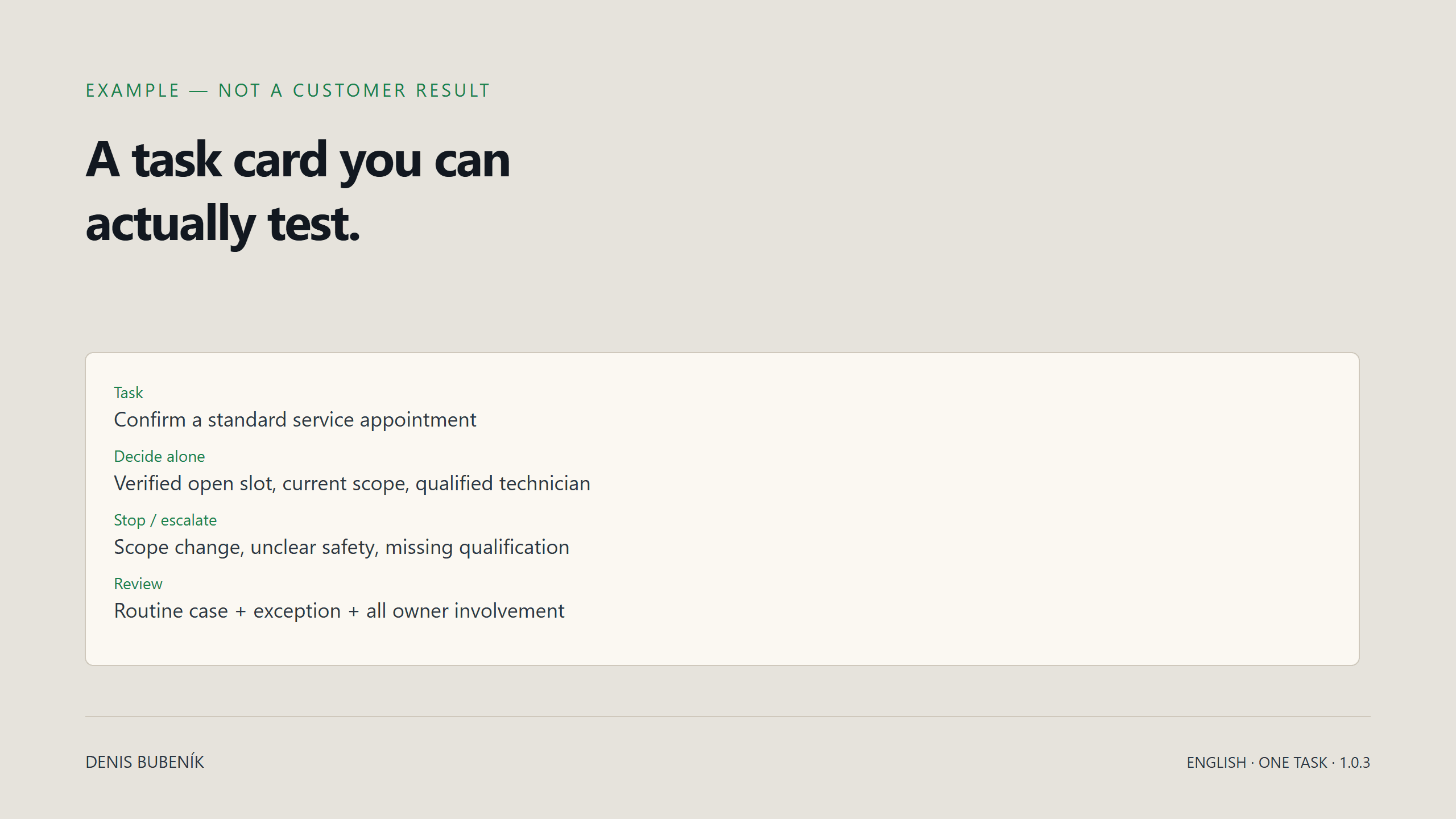
- Write the task owner, definition of done, decision authority and escalation rule.
- Rehearse a normal case and an exception. Record checking and correction.
- Compare observed owner effort and decide whether to keep, change or stop.
See what you will work with.
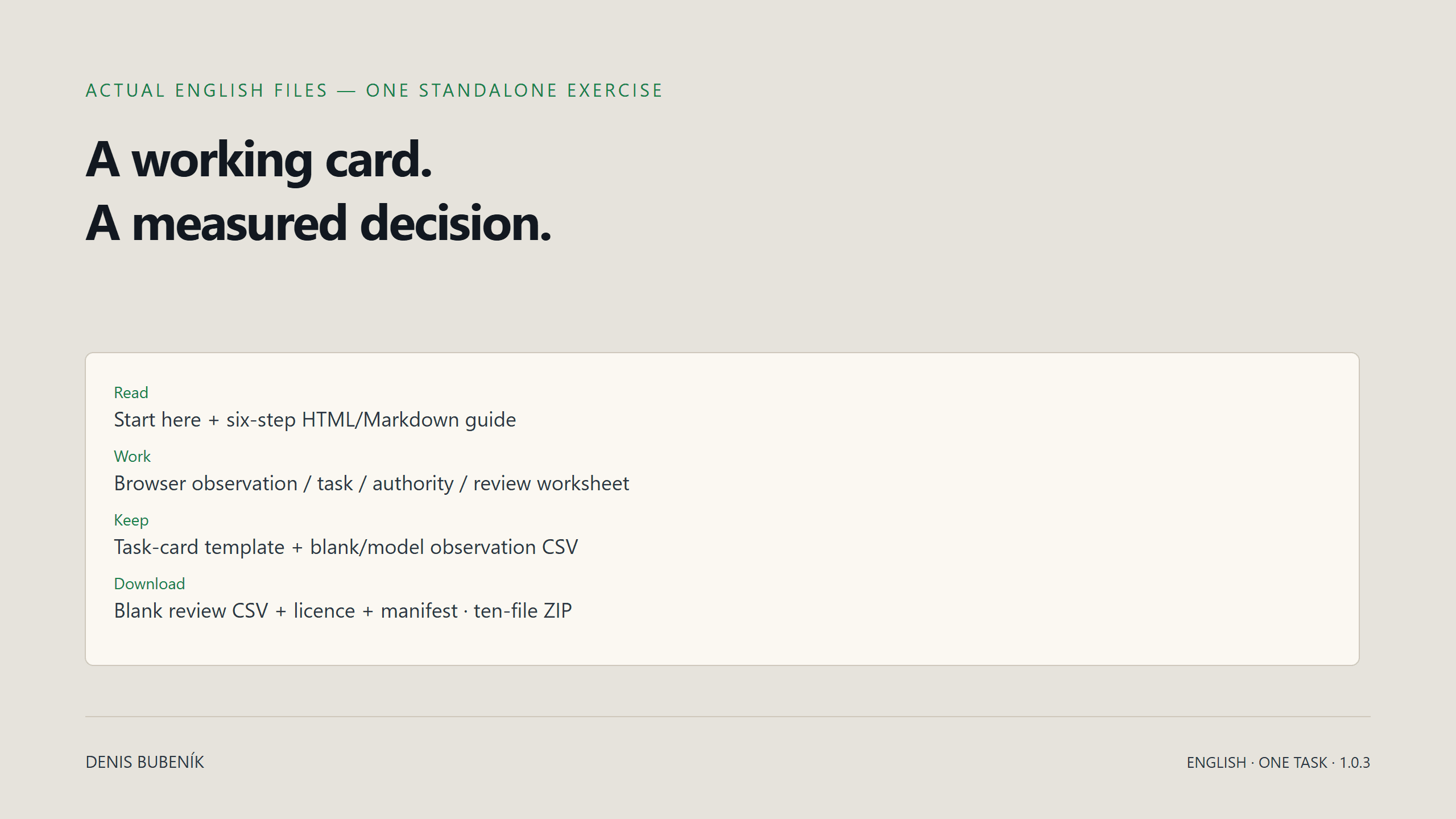
These previews use synthetic illustrative inputs. They are not customer results.
Is it right for you?
For a service business owner who wants to test one repeated task before buying or building a larger system. It is complete on its own. Some task-card concepts overlap with Team & Delegation; check your existing materials first if you own that toolkit.
Do I need Excel or another purchase?
No. Use the protected browser worksheet on phone or computer. CSVs are optional. The starter grants no other toolkit, topic, complete library or paid-community access; there is no automatic upgrade credit.
Does this install an automation?
No. You define and test the process first. Integrations, software setup and consulting require a separate written scoped agreement. There is no guaranteed time or cash outcome.
Where is my data saved?
In the current browser profile. Manual JSON backup/restore, CSV export, task-card text and print are available. Sign-in is not cloud or team sync. Keep confidential client/patient data, passwords and payment information out.
What exactly is included?
The five-step guide (HTML and Markdown), browser worksheet, task-card template, blank and model observation CSVs, blank measured-review CSV, file/licence guide, Start Here and version manifest: ten files in total, plus protected online access. No Notion template, video course, personal call or third-party software licence.
Can I request a refund after opening it?
Yes. Consumers and business buyers can request the full contractual refund within 14 days from contract formation, including after access. Submit a notice or write to denis@nexorio.io. Mandatory buyer rights remain unchanged.
Start with the free diagnostic → · Compare the three toolkits → · Open your purchases →